Roles and Permissions
CustomerLabs lets you invite team members to your account and control their access using roles and permissions. This helps you ensure that each person on the team has the right level of access based on their responsibilities.
When inviting a user, you must assign them one of the following roles:
| Role | Description |
|---|---|
| Marketer | Designed for marketing team members. Provides access to audience creation, destinations, and campaign-related features. |
| Developer | Designed for technical team members. Provides access to sources, tracking setup, API keys, and developer tools. |
Permission Levels
Section titled “Permission Levels”In addition to a role, each user must be assigned a permission level that controls how much they can configure within the account:
| Permission | Description |
|---|---|
| Account Standard | Can view and use most features but cannot change critical account settings or manage other users. |
| Account Admin | Has full access to all account settings, including managing users, billing, and all configurations. |
Email Notifications
Section titled “Email Notifications”When inviting a user, you can also choose which types of system emails they should receive:
| Email Type | Who should receive it |
|---|---|
| Account Emails | Team members who need critical updates about the account (e.g., tracking issues, configuration alerts). Suitable for Marketers and Developers. |
| Billing Emails | Team members who manage payments and invoices (e.g., Finance or Operations team). |
Inviting a New User
Section titled “Inviting a New User”- Log in to your CustomerLabs account.
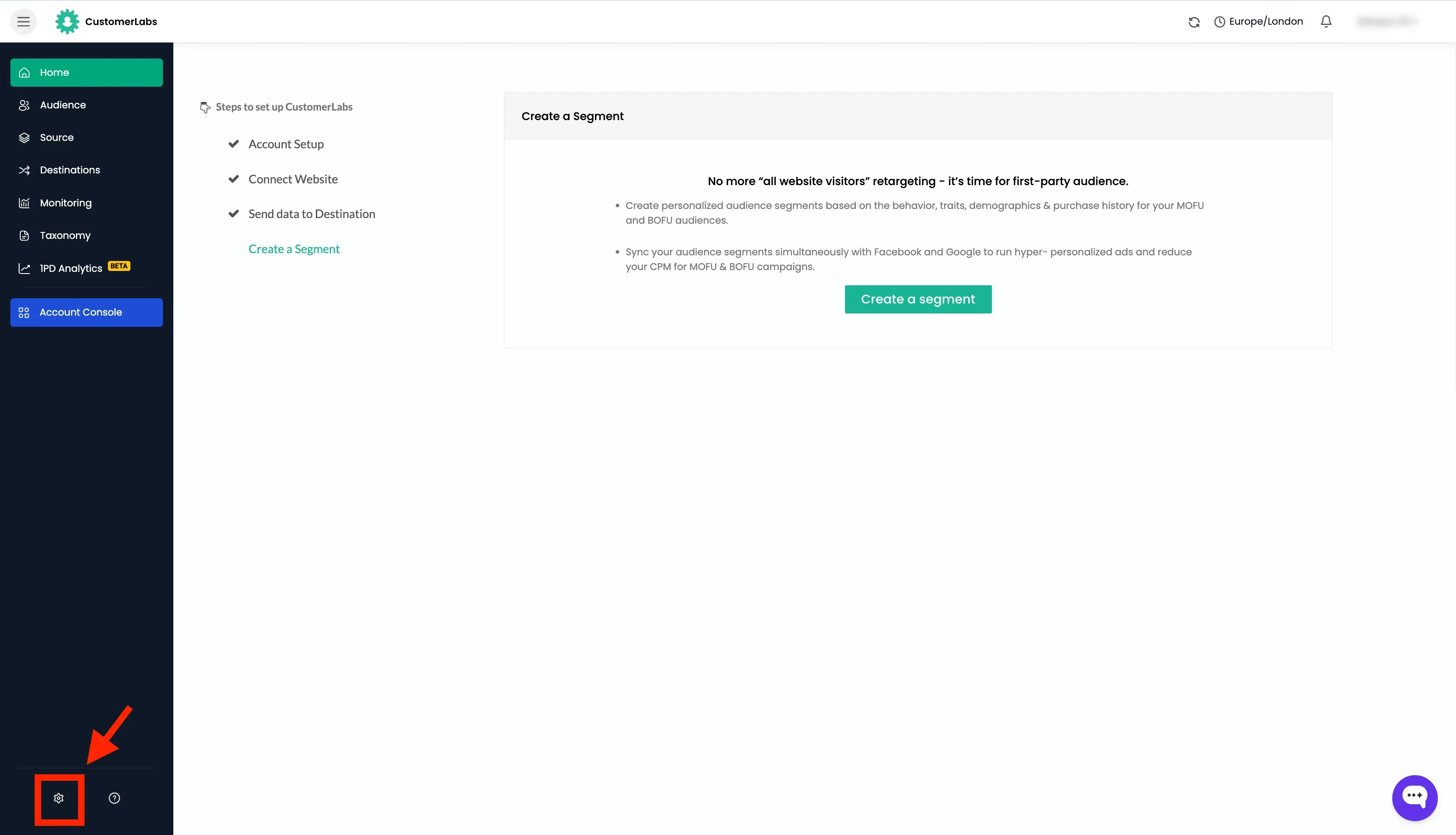
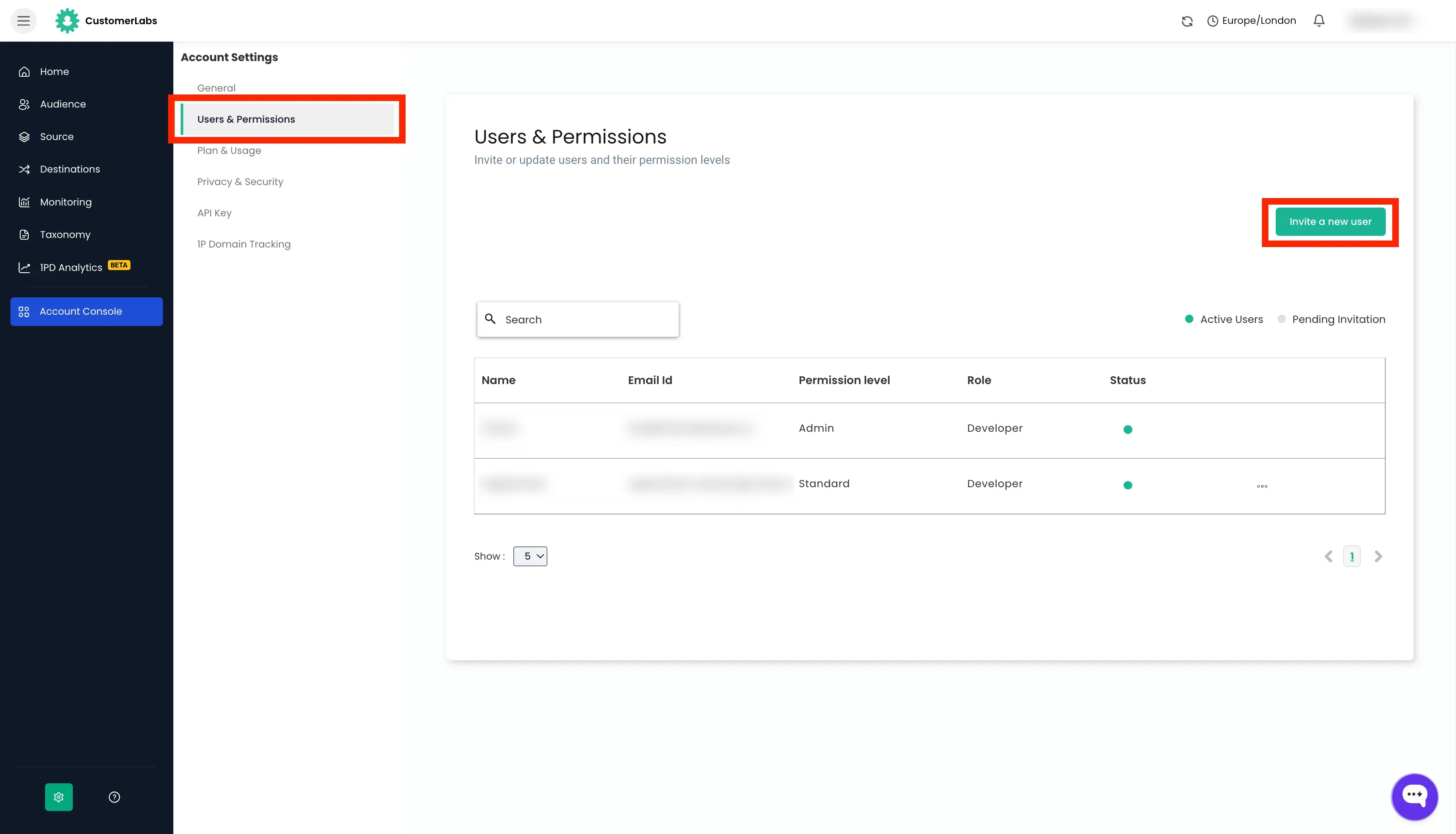
- Go to Settings → Users and Permissions.
- Click the “Invite New User” button.
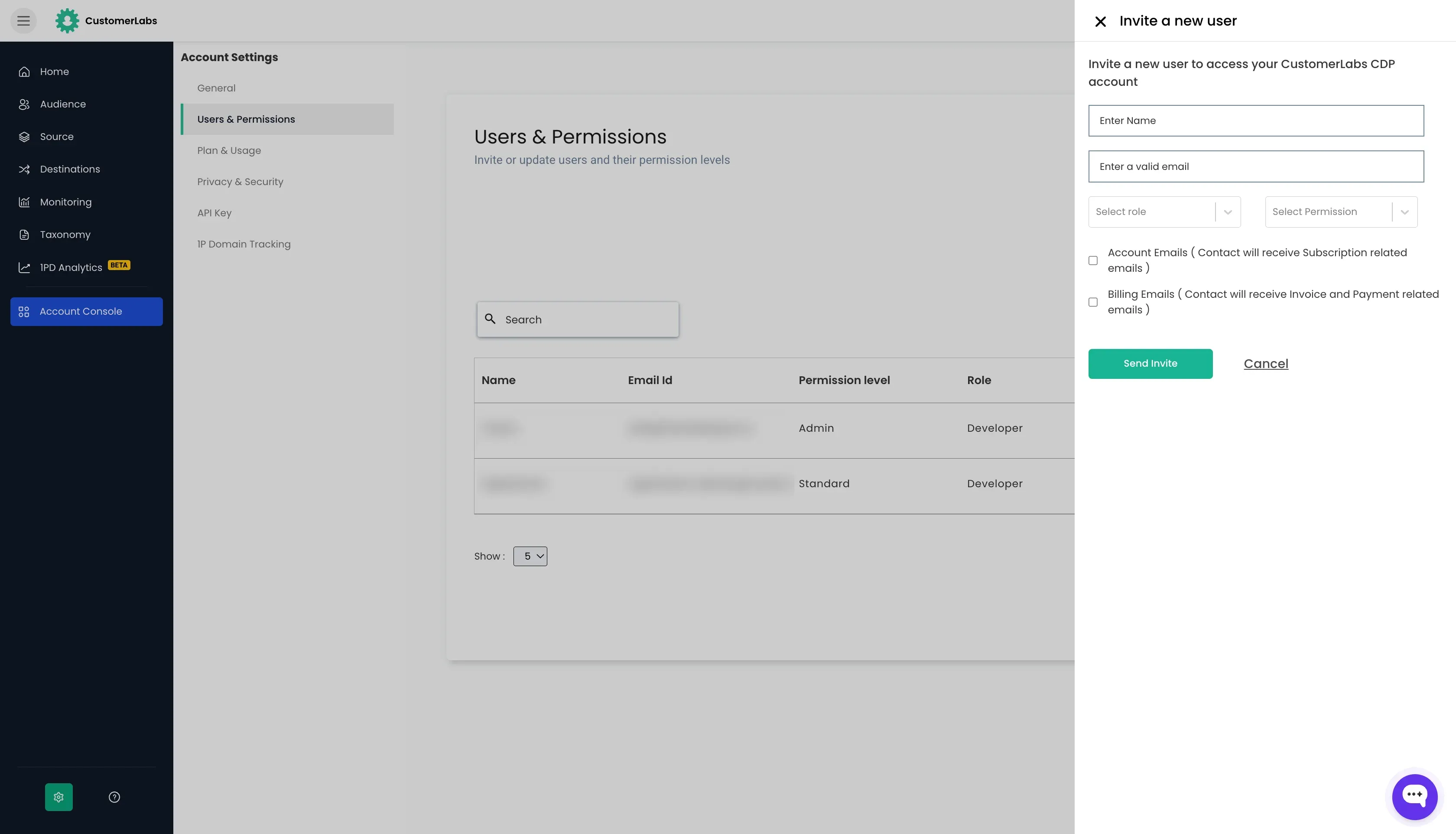
- Enter the user’s Name and Email address.
- Select their Role from the dropdown — Marketer or Developer.
- Select their Permission Level from the dropdown — Account Standard or Account Admin.
- Check the boxes for any email notifications they should receive:
- Account emails
- Billing emails
- Click “Send Invite”.
Managing Existing Users
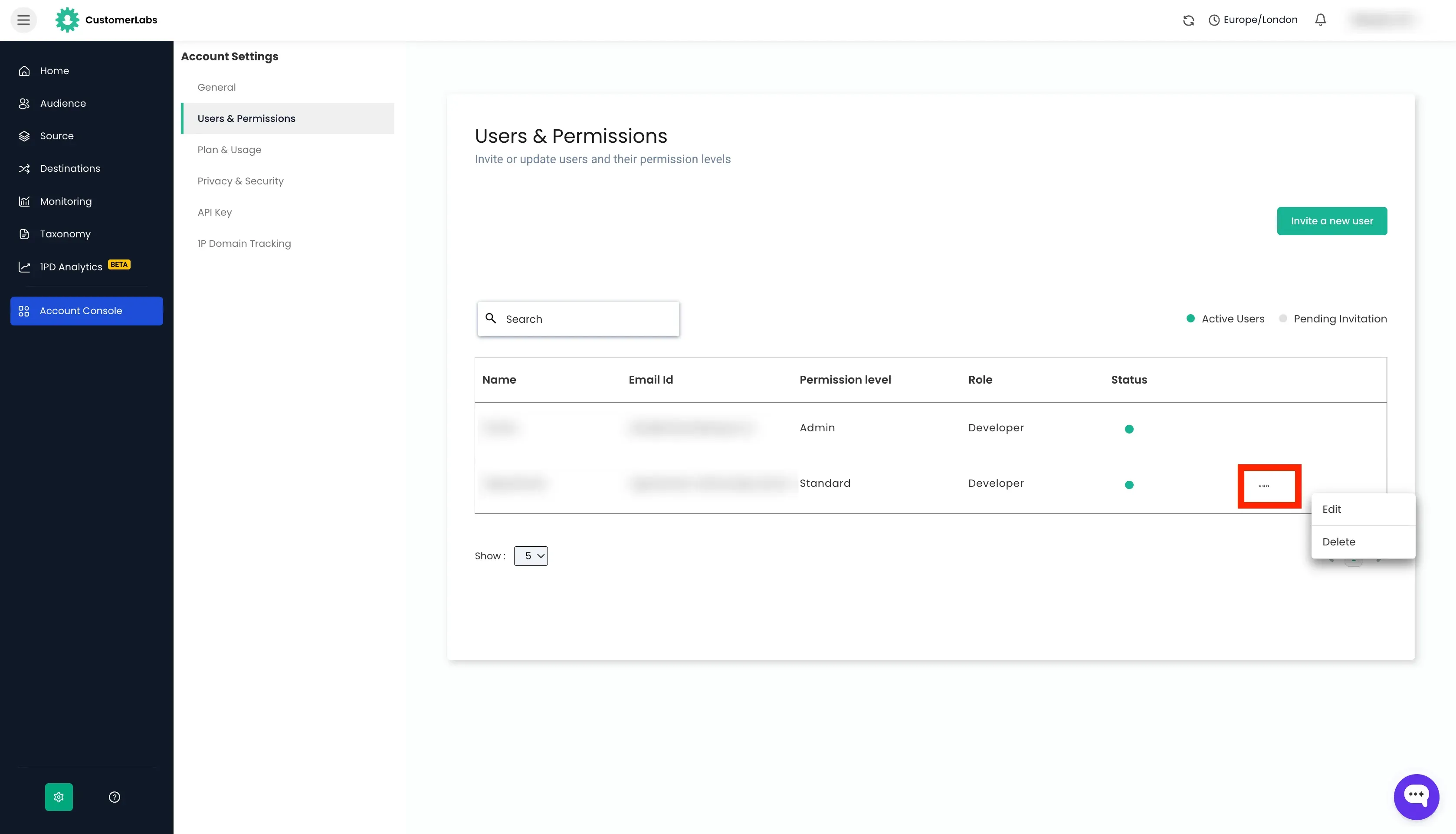
Section titled “Managing Existing Users”From the Settings → Users and Permissions page, you can click on the “three dots” against a user
- to edit their role, permission level, or email preferences.
- to resend an invite if a user has not yet accepted it.
- to remove a user to revoke their access to the account.