
Recovering your Account
If you have lost access to your CustomerLabs account, you can recover it by resetting your password using your registered email address.
Forgot Password
Section titled “Forgot Password”Use this method if you remember your email address but have forgotten your password.
- Open your web browser and navigate to app.customerlabs.com.
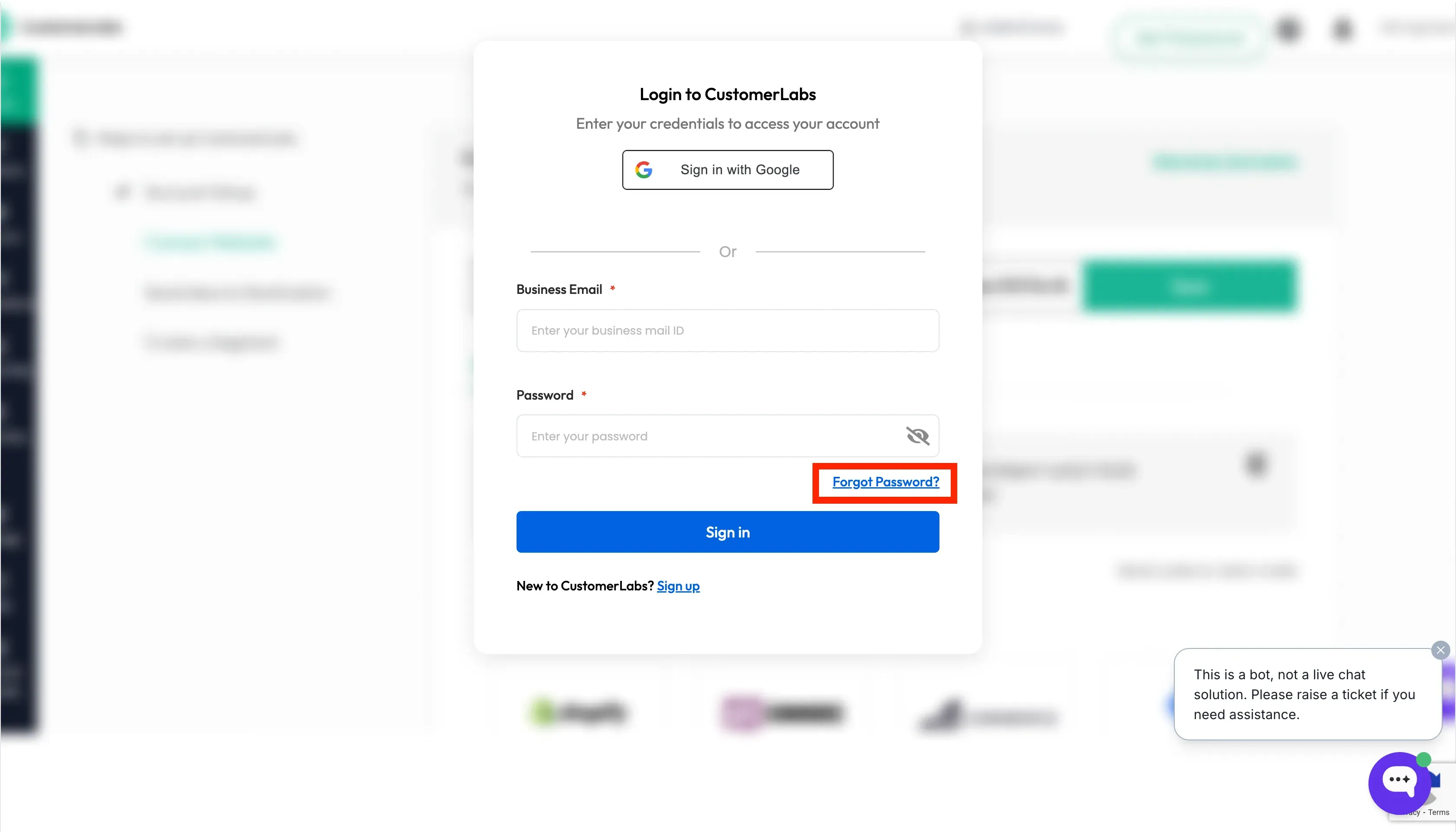
- Click on “Forgot Password?” below the Sign In button.
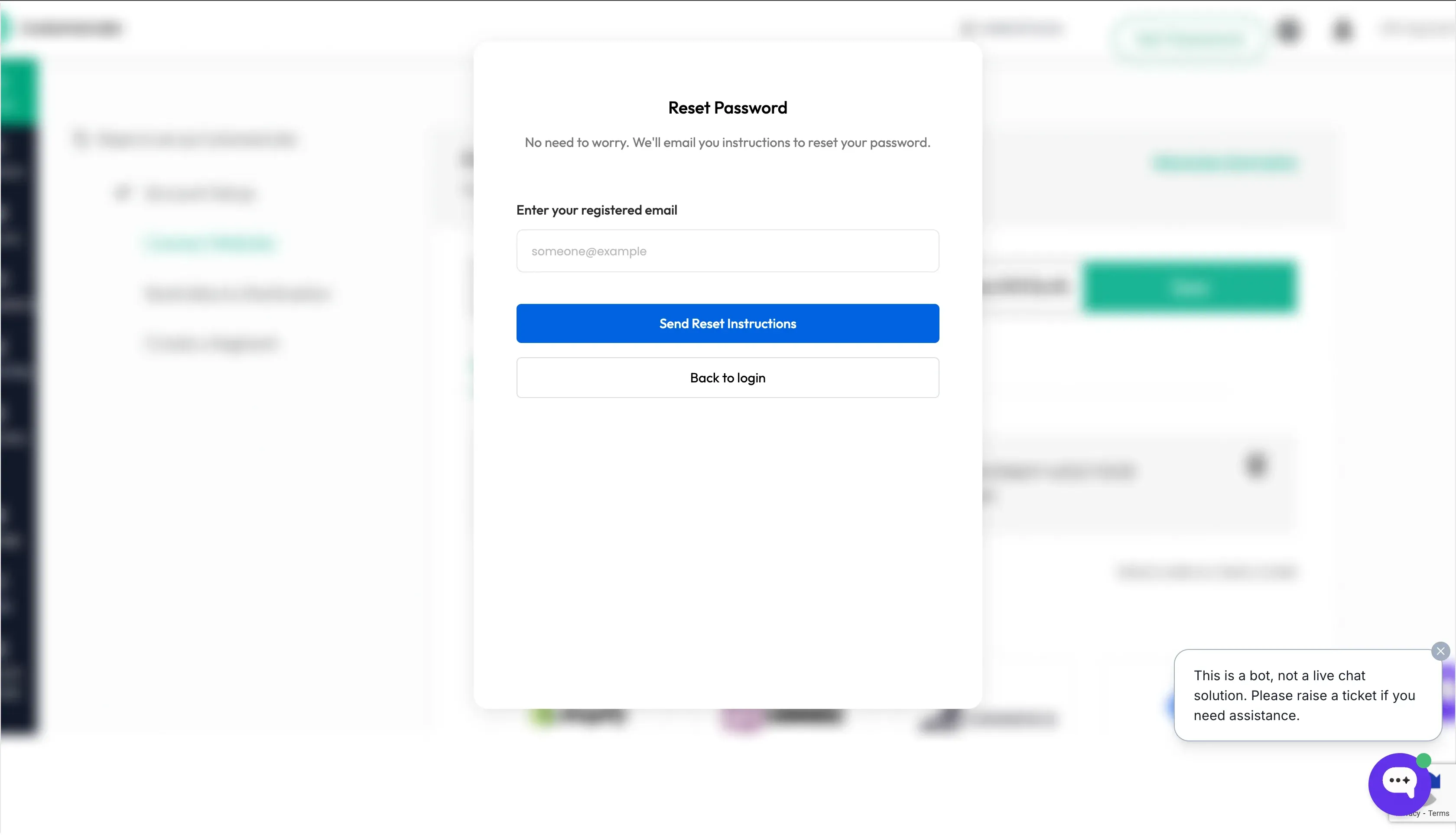
- Enter your business email id that you used to login to CustomerLabs and click “Send Reset Instructions”.
-
Open the email and click the “Reset Password” link.
-
Enter your new password and confirm it, then click “Submit”.
-
You will be redirected back to the login page. Enter your email and new password to sign in.
Forgot email and password
Section titled “Forgot email and password”If you have forgotten both your email address and password, you cannot recover your account.
Please reach out to our support team at support@customerlabs.co for assistance.